


Different Types of Charging Cords: USB-C, Lightning & More Explained
Open any drawer in your home and you will likely find a tangle of white and black cords. Some fit your phone. Others fit nothing you still own. A few have shapes you do not even recognize.
This guide walks through every mainstream charging cord type, from USB-A to Lightning to USB-C and magnetic charging cables. By the end, you will know exactly which cable each device needs and which standard is worth investing in for the future.
How Charging Cables Work
Before comparing specific connector types, it helps to understand what you are actually looking at when you pick up a cable.
Connector vs. Cable: What the Names Actually Mean
People use the words "cable" and "connector" interchangeably. But they describe different things. The connector is the physical plug at the end of the cord. It’s the part which goes into your phone, laptop or tablet. The cable is the wire itself. When someone says "USB-C cable," they mean a cable with a USB-C connector on at least one end. Most cables have different connectors on each end, one for the device and one for the power source.
Why Standards Keep Changing
The technology industry constantly updates charging standards for three reasons. Faster power delivery, quicker data transfer and smaller physical designs. Older connectors like USB-A are large and slow by modern standards. Each new generation aims to pack more capability into a smaller, easier to use plug. This progress is good for performance. But frustrating for consumers who end up with boxes of outdated cables.
Every Type of Charging Cord Explained
These are the main connector types you will encounter today, from oldest to newest.
USB-A: The Original Rectangular Plug
USB-A is the flat, rectangular connector which has existed since the late 1990s. It is the plug you see on computer ports, wall adapters, power strips and the charging end of many cables. USB-A only fits one way, so you often need two or three tries to insert it correctly. It supports up to 12W charging in its standard form. Though some proprietary versions go higher. USB-A is slowly disappearing from new laptops and phones but remains common on chargers.
Micro-USB: The Android Era Standard
Before USB-C, Micro-USB was the standard connector for Android phones, tablets, headphones, speakers and countless other devices. It is small, trapezoidal and only fits one way. Micro-USB cables typically support up to 10W charging and very slow data transfer speeds by modern standards. You will still find Micro-USB on budget electronics, older devices and some accessories. But no new flagship phones use it.
USB-C: The Universal Modern Connector
USB-C is the current industry standard. It is oval shaped, symmetrical and works no matter which way you flip it. USB-C supports much higher power delivery, up to 240W, which is enough to charge laptops. It also handles very fast data transfer, up to 40Gbps on the latest versions.
Most importantly, USB-C is truly universal. New Android phones, iPhones starting with the iPhone 15, iPads, MacBooks, Windows laptops, Nintendo Switch, headphones, power banks and even some cameras all use USB-C.
Lightning: Apple's Proprietary Connector
Lightning is the small, eight pin connector Apple introduced in 2012. It is flat, symmetrical. And fits either direction. Lightning cables are only made for Apple devices. Unlike USB-C, which any company can use, Lightning is proprietary. Meaning Apple controls its production and licensing. Lightning supports moderate charging speeds and data transfer. But it can’t match the power delivery or speed of modern USB-C.
MagSafe and Wireless Charging: Not a Cable But Worth Knowing
MagSafe refers to two different things. Apple's original MagSafe was a magnetic laptop charger. The newer MagSafe for iPhones uses magnets to align a wireless charging puck with the back of the phone. Neither is a traditional charging cord. Wireless charging in general, whether Qi or MagSafe, transfers power through electromagnetic fields instead of a physical cable. These are comfortable for bedside stands and car mounts. But they are slower than wired charging and do not transfer data.
USB-C vs. Lightning: Head-to-Head Comparison
These two connectors dominate the market right now. USB-C is the open standard used by almost every brand out there. Lightning is Apple's exclusive design for older iPhones and accessories.
Side-by-Side Comparison Table
| Feature | Lightning | USB-C |
|---|---|---|
| Shape | Flat, rectangular | Oval, rounded edges |
| Insertion orientation | Reversible (either way) | Reversible (either way) |
| Max charging power | Up to 27W | Up to 240W |
| Max data transfer | Up to 480Mbps (USB 2.0) | Up to 40Gbps (USB4) |
| Who uses it | Apple (iPhone 14 and older), AirPods, older iPads, Magic Keyboard, Magic Mouse | Apple (iPhone 15+), Android, laptops, tablets, headphones, power banks, most cameras |
| Proprietary? | Yes, Apple exclusive | No, open standard |
| Future outlook | Being phased out currently | Long term standard |
Key Takeaways From the Comparison
USB-C is faster, more powerful and more versatile than Lightning in every measurable way. The only reason Lightning still exists is that Apple kept it on iPhones until 2023. For anyone buying a new device today, USB-C is the future proof choice. Lightning will eventually disappear as older iPhones are replaced.
What Is a Lightning Charger?
A Lightning charger is any cable or power adapter with Apple's proprietary Lightning connector on one end. The other end is usually USB-A or USB-C.
Which Devices Use Lightning
Lightning appears on iPhone 14 and older models. Including all iPhones before the iPhone 15. It is also on AirPods (standard and Pro models before 2023), older iPads, the original Apple Pencil, Magic Keyboard, Magic Mouse and Magic Trackpad. Newer versions of these products have mostly switched to USB-C.
Is Lightning Being Phased Out?
Yes. The EU passed regulations requiring all new phones sold in its member countries to use USB-C by the end of 2024. Apple responded by changing the iPhone 15 lineup to USB-C. The company has also updated AirPods and iPad accessories to USB-C. Lightning will stay usable for existing devices. But new products will not include it.
How to Tell Your Cable Types Apart
Telling which cable you have takes only a few seconds once you know what to look for.
Visual Guide: Connector Shape Cheat Sheet
- USB-A: Flat, rectangular, one wider side. Fits one way only.
- Micro-USB: Small, trapezoidal, little bit of tapered edges. Only fits one way.
- USB-C: Small, oval, totally symmetrical. Fits both ways.
- Lightning: Small, flat, eight tiny pins visible inside. Fits either way.
Quick Device-to-Cable Reference
Does Cable Quality Actually Matter?
Yes, more than most people realize. A cheap cable can be frustrating at best and dangerous at worst.
Cheap vs. Quality Cables: Speed, Safety and Longevity
A low quality cable often uses thin internal wires and weak connector housings. This leads to slower charging speeds. The reason is the wires cannot carry full current. Data transfer becomes unreliable, the connectors break after a few months of normal use. In worst cases, poor insulation or bad soldering can cause overheating or even electrical shorts.
Quality cables use thicker copper wires, reinforced connector joints and proper shielding. They charge at the full speed your device requests. They transfer data without errors. And they last for years instead of months.
What to Look for When Buying a Cable
Look for reinforced nylon braiding instead of soft rubber which frays quickly. Check for connector housings made of aluminum or hard plastic, not thin molded rubber. See if the brand offers a warranty. Avoid mystery brands selling cables for a few dollars on marketplace websites. A more expensive cable from a trusted brand costs less over time because you replace it less often.
Which Charging Cord Do You Need?
The answer depends on your device. For an iPhone 15 or newer, you need a USB-C cable. For an iPhone 14 or older, you need a Lightning cable. For any Android phone, tablet or laptop made in the last five years, you need a USB-C cable.
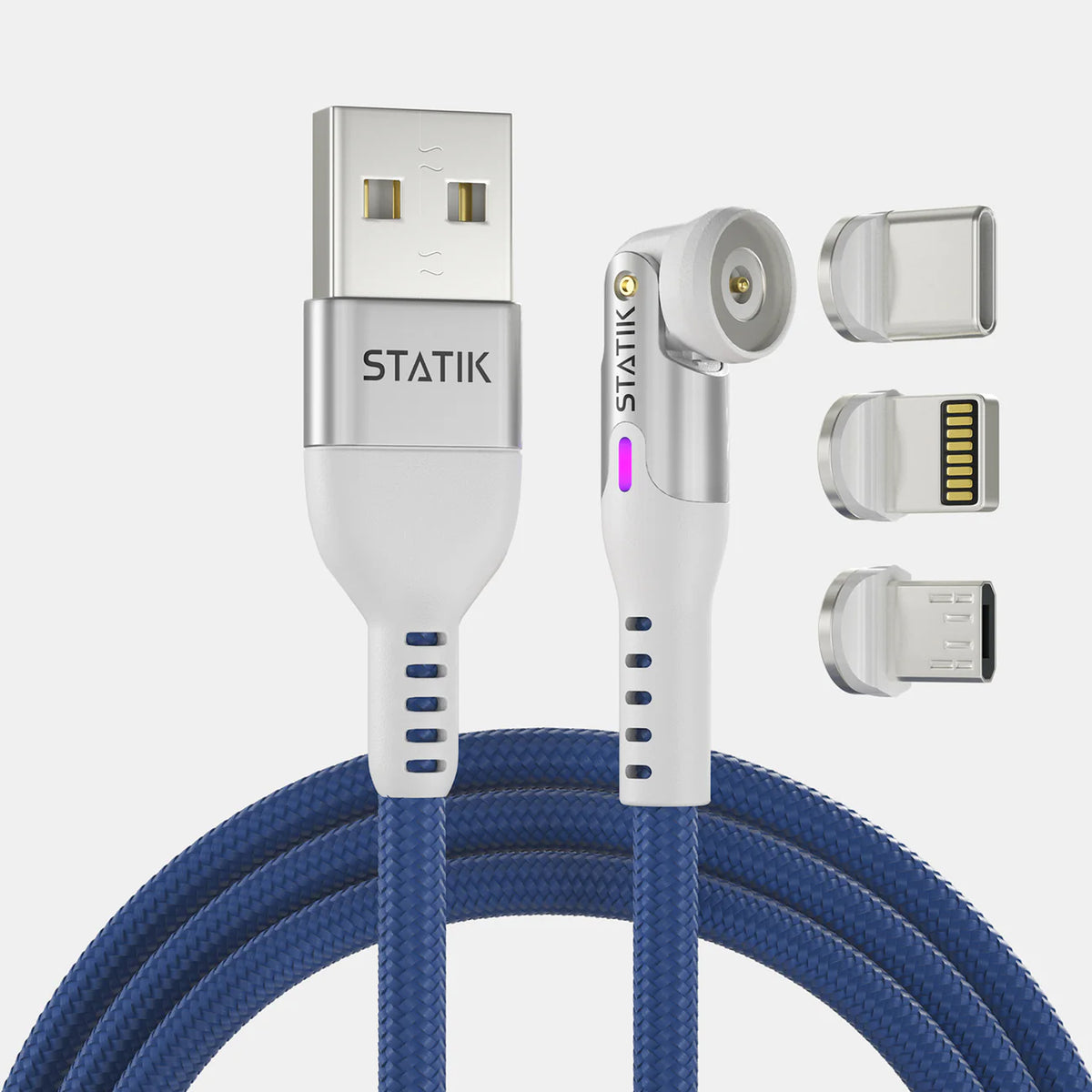
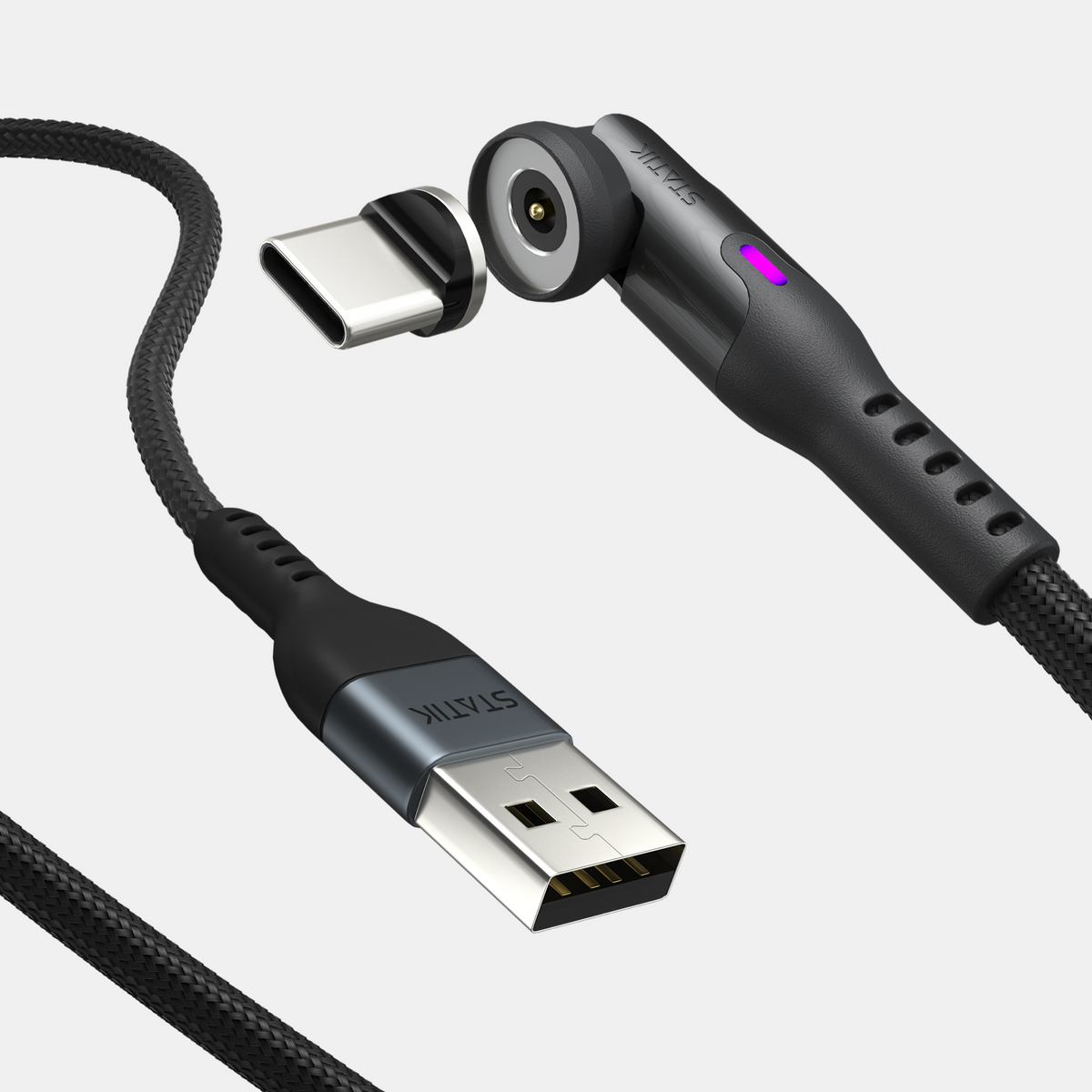
If you own multiple devices, go for USB-C for everything. One magnetic charging cable with changeable tips can replace many separate cords.
For a full selection of high quality options, browse the Statik magnetic cable collection. You will find durable, reinforced cables which outlast the cheap ones in your drawer.
Magnetic Cables





FAQs About Different Types of Charging Cables
The main types are USB-A (old rectangular plug), Micro-USB (small trapezoidal plug for older Android devices), USB-C (new oval plug for most modern devices) and Lightning (Apple's proprietary plug for older iPhones and accessories).
USB-C is an open standard used by many brands. It supports faster charging (up to 240W) and much faster data transfer (up to 40Gbps). Lightning is Apple's exclusive connector which maxes out at 27W charging and 480Mbps data transfer.
No, they are completely different connectors, because a Lightning cable will not fit a USB-C port and a USB-C cable won’t fit a Lightning port.
iPhone 15 and newer models use USB-C. iPhone 14 and older models use Lightning. So the charging block on the wall can be USB-A or USB-C depending on the cable you use.
Micro-USB cables charge older Android phones, budget electronics, wireless headphones, speakers, power banks and many small accessories. All made before roughly 2017.
It already has. Apple moved the entire iPhone 15 lineup to USB-C and has been updating accessories to USB-C as well, lightning will only remain on older devices still in use.
Yes, some USB-C cables support only slow charging and others support fast charging up to 100W or 240W. Some transfer data, but many don’t. Check the details before buying especially if you need to charge a laptop or transfer large files.


